W9 Online Request: How it Works

Request a W-9 online and the recipient data will automatically populate in Discount Efile!

Simply send the recipient an email request. All the data is stored for streamlined 1099 filing in January.

With all your contractors W9 information already stored in Discount Efile, filing 1099-NEC forms is ultra-fast and easy. 

W9 Online Request: How it Works

Request a W-9 online and the recipient data will automatically populate in Discount Efile!

Simply send the recipient an email request. All the data is stored for streamlined 1099 filing in January.

With all your contractors W9 information already stored in Discount Efile, filing 1099-NEC forms is ultra-fast and easy. 
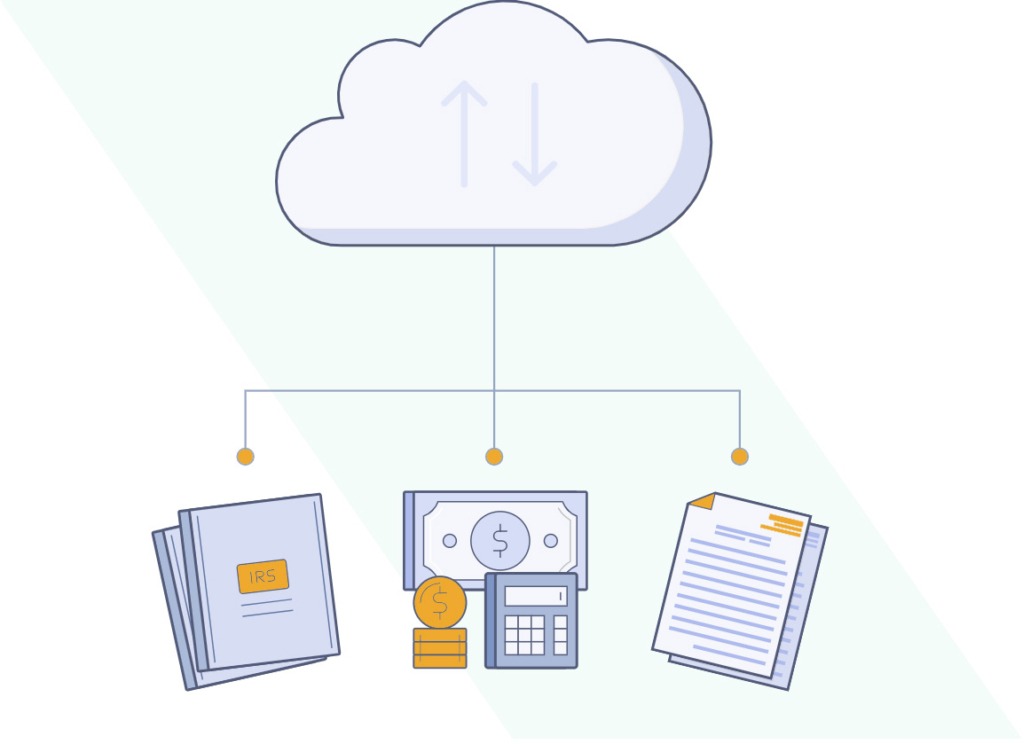
Request W9 Forms Online –
Automatically Add the Info to Discount Efile

Send an email request to your contractor, they fill out their W9 form information online.

It automatically goes into the Discount Efile system for simplified 1099-NEC filing in January!

How W9 Online Requests Work

with Discount Efile4Biz

Step 1: Select the Recipient

In the Discount Efile system, first set up the contractor as a recipient.

If your payer has already been created, simply add a new recipient. Or if needed, add the new payer, and then add a recipient.

An email address is required!

Then, select the recipient you want to send a W-9 form request online.

How to enter 1099 & W2 data into the Discount Efile system - DiscountEfile.com

Step 2: Request W-9 Form Information

Within the Recipients grid, there are three locations where you can initiate the request:

  • Request W-9 button
  • W-9 column
  • Additional options menu

Clicking on the ‘Request W-9’ button activates a slide panel with a dropdown menu where a New Recipient can be added or an Existing Recipient can be chosen.

After a W-9 request is added to cart, the status on the W-9 column is updated to “In Cart”.

Simply checkout like you would with any online shopping cart.

After a W-9 Request is submitted, the status is updated to “Pending” in your dashboard and an email is sent to the recipient.

The best part? It’s only $1.00 per W9 form request!

Request a W9 Form Online for a Contractor or Freelancer - DiscountEfile.com

Step 3: Recipient Completes the Request

The recipient will receive an email with a link to complete the W9 form online.

There are two locations in the Recipient’s My Tax Forms page where an User can access their W-9: via the ‘Fill Out Your W-9’ button (1), or through the additional options menu of the W-9 row (2).

Form W-9 is shown for the recipient to fill out. The fields for both Existing and New Recipient requests are blank for them to fill in. All entered information will be saved to update any incorrect information saved to your account.

Online W9 Form Request for Contractors and Freelancers - DiscountEfile.com

Step 4: You’re Ready to File 1099 Forms

Now that you have W-9 form information from contractors, filing 1099-NEC forms is ultra-simple!

The information provided by the recipient on the W9 form request is automatically stored in their file on the Discount Efile system.

When you need to file 1099-NEC forms, all you need to do is enter the payment data and submit. We do the rest of the work for you.

1099-NEC Online Filing for Contractors with Automated W9 Form Request - DiscountEfile.com
DiscountEfile for 1099 and W2 Online Efile and Recipient Print + Mail Service - DiscountEfile.com

IRS Approved E-File

SSA Approved E-File

SOC Certified

HIPPA Compliant

Discount Efile is a product of DiscountTaxForms.com in partnership with Efile4Biz.

DiscountTaxForms.com

© ZBP Enterprises, Inc